Choosing the Right Test Target for ISO and FADGI Scan Quality Evaluation
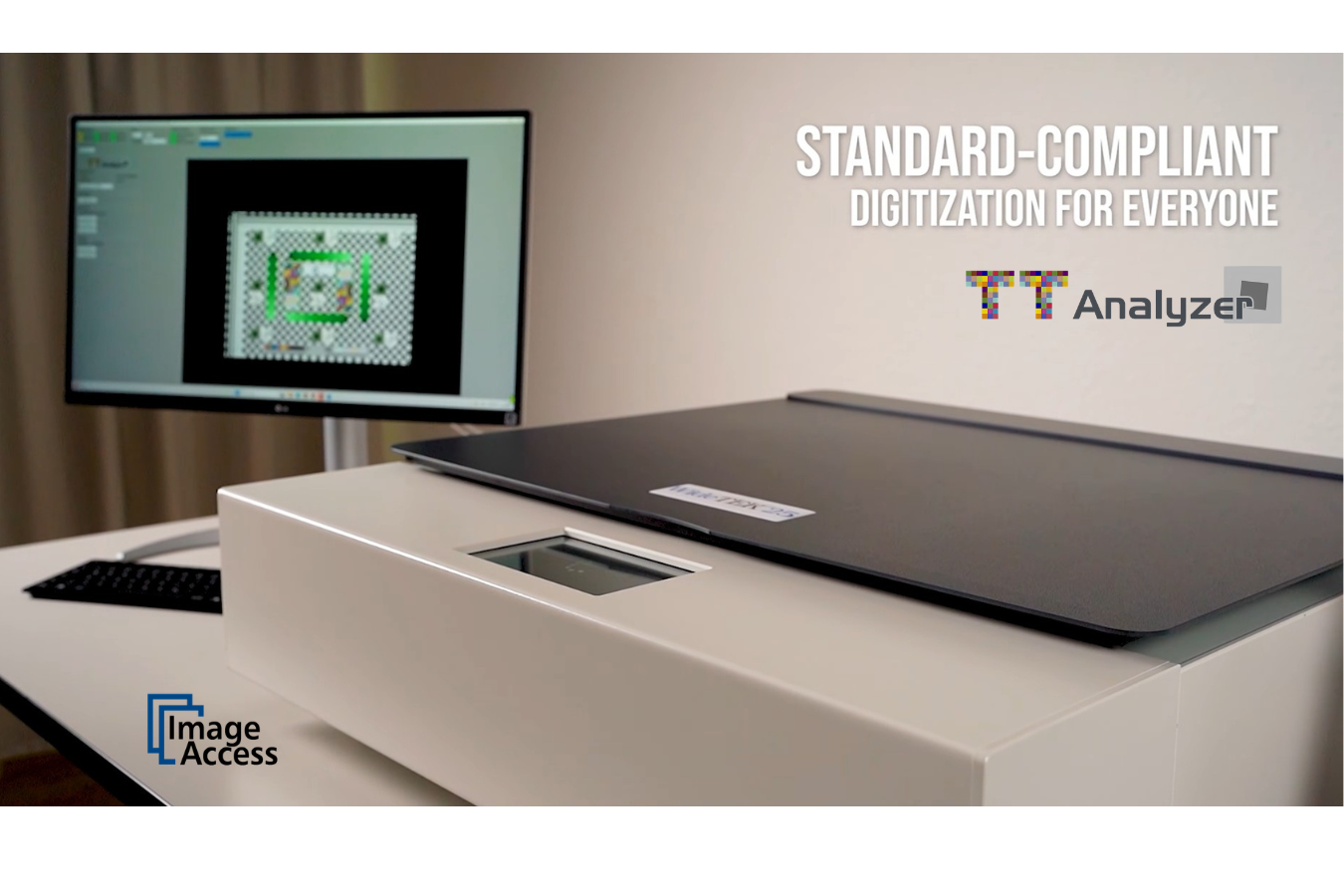
A scanned image can look good on screen and still fall short of a digitization project’s quality requirements. Visual inspection helps identify obvious problems, but it cannot provide all the measurements needed to evaluate image quality consistently.
A test target provides a reference for that evaluation. Choosing the right one starts with understanding what your project needs to measure, which requirements apply, and how you will evaluate the results.
For organizations digitizing archives, public records, books, and other collections, these decisions help establish a repeatable quality control process.
Why visual inspection is not enough
How an image appears depends partly on the display, viewing conditions, and the person reviewing it. Subtle differences in color, tonal response, or sharpness can be difficult to judge by eye alone.
Test targets contain patches and patterns that support objective measurements of specific image characteristics. Evaluating a captured target can help teams identify deviations, compare results, and determine whether adjustments are needed.
Visual inspection still has a role. It complements measurement by helping reviewers spot issues such as missing content, cropping errors, or handling damage.
What can a test target help measure?
Depending on its design and the evaluation method, a test target can support measurements of:
- Color reproduction and white balance
- Grayscale and tonal response
- Sharpness and detail reproduction
- Spatial resolution
- Geometric distortion
- Noise
- Illumination uniformity
No target should be assumed to support every measurement a project requires. Its suitability depends on the target’s features, the available reference data, and the software used to evaluate the captured image.
Start with the project’s quality requirements
If your project specifies ISO 19264-1 or FADGI requirements, establish the applicable edition and quality level before choosing a target.
This gives the selection process a clear starting point. You can then check whether a proposed target and evaluation method support the measurements your project requires.
Make these expectations explicit, especially when several operators, locations, or external suppliers are involved. A shared definition of acceptable quality makes results easier to review and discuss.
Five questions to ask before selecting a target
1. Which requirements must the project meet?
Start with the project specification, contract, or internal quality policy. Identify the applicable standard or guidelines and the quality level you intend to evaluate.
Avoid choosing a target based on a general reference to “ISO” or “FADGI” alone. Confirm the specific requirements it needs to support.
2. Which image characteristics need to be measured?
List the measurements required for the project. Then check that the target contains the necessary features and that your evaluation software can analyze them.
This helps prevent gaps between what the project requires and what the selected setup can evaluate.
3. Does the target suit the capture setup?
Consider the equipment, capture area, material format, and target placement. The target needs to work within the setup you will use for evaluation.
Also consider how it will be handled and stored. Its physical condition matters when it serves as a measurement reference.
4. What reference data is required?
Check whether the evaluation method requires reference data supplied for the target, including data specific to an individual target where applicable.
Confirm that the data is available, correctly associated with the target, and supported by your software. Keep it accessible so operators can use the appropriate reference during evaluation.
5. How will results be reviewed and documented?
Decide who will review the measurements, how deviations will be addressed, and what records the project needs to retain.
Selecting a target is easier when you already know how its results will be used.
Comparing test targets
You may encounter options such as the Universal Test Target (UTT) and targets in the GoldenThread range. When comparing them, look beyond the product name.
Check the exact target model and version against your project requirements. Ask the supplier to confirm:
- Which measurements the target supports
- Which evaluation methods and quality levels it is intended for
- What reference data is included or required
- Whether your evaluation software supports that target
- Whether any limitations apply to your planned use
If you already own a target, apply the same checks before using it for a new project. Its suitability for a previous workflow does not establish its suitability for different requirements.
What happens after you scan the target?
Capturing the target creates the image you will evaluate. The next step is to analyze it using the appropriate reference data and evaluation settings.
A practical quality control workflow follows a repeating sequence:
Capture → evaluate → review → adjust → verify → document
Review any measurements that fall outside the selected criteria. Investigate the cause, adjust the capture setup where appropriate, and capture the target again to assess the result.
A target evaluation also has a defined scope: it describes the conditions under which that image was captured. Decide when checks should be repeated, including after changes to equipment, settings, or the capture environment.
Where TT Analyzer fits
TT Analyzer supports the evaluation stage of this workflow by analyzing captured test-target images against selected quality criteria.
Its visual feedback and measurement results help users review image characteristics and identify deviations that may need attention. These findings can inform adjustments to the capture setup, followed by another evaluation to check the effect.
Before putting a workflow into use, confirm that your TT Analyzer version supports the chosen target, reference data, and evaluation requirements. Retain the evaluation results alongside the settings and project information needed to interpret them.
Build the quality control setup around your project
The right test target is one that fits your project’s requirements, capture setup, and evaluation software. Start with those requirements, verify compatibility, and establish how the results will be reviewed and recorded.
That preparation gives your team a clearer basis for making adjustments and maintaining a consistent quality control process.
Need help selecting a test target? Contact Dyanix to discuss your digitization requirements and a suitable TT Analyzer workflow.
Ready to digitize your documents?
Our experts are here to help you choose the right scanner and services that fit your business needs.