Reliable document capture for everyday business workflows
Office scanners help organizations digitize incoming documents quickly, accurately, and consistently. From invoices and contracts to forms and correspondence, they capture information at the point it enters your business.

What office scanners are
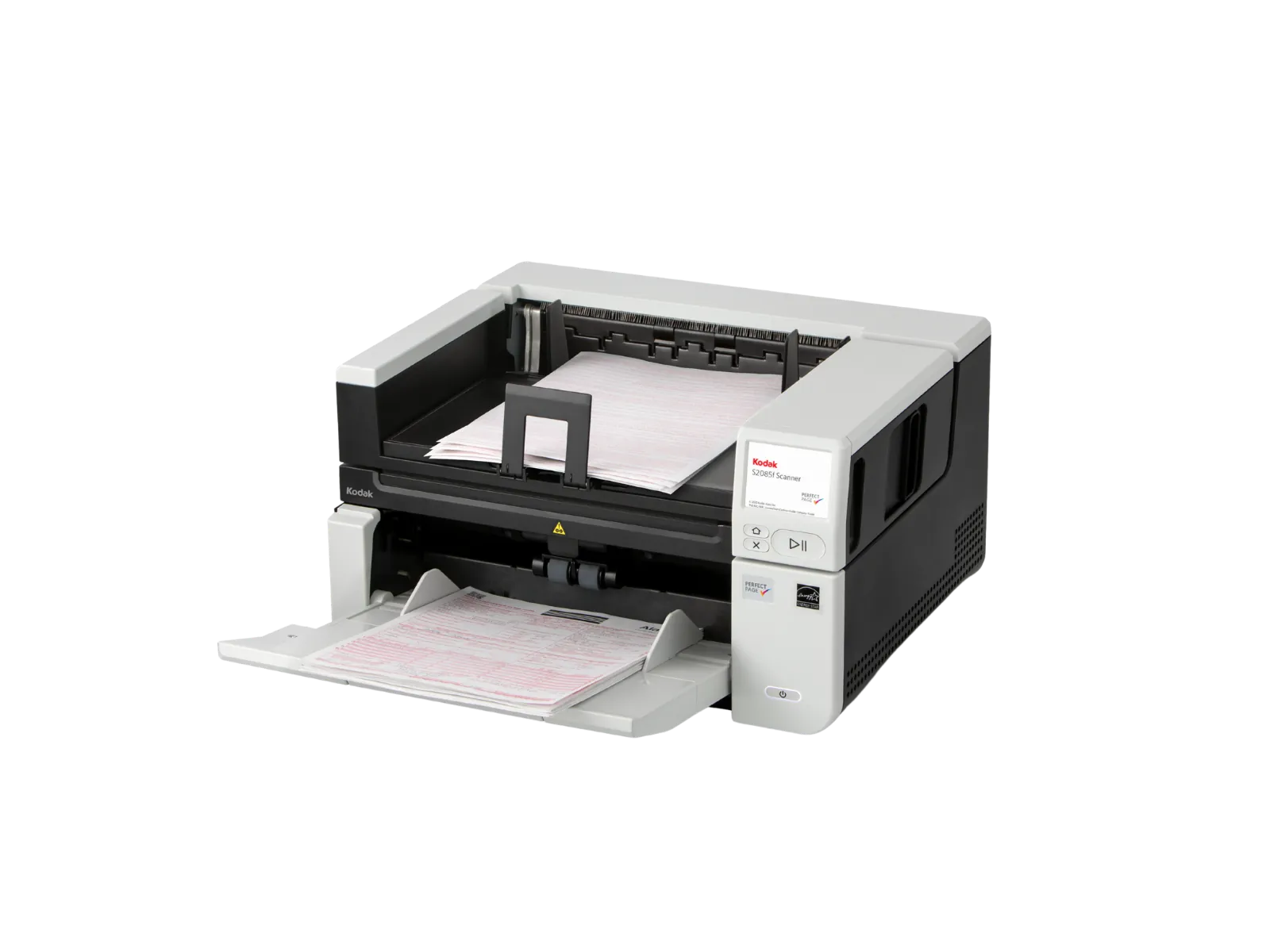
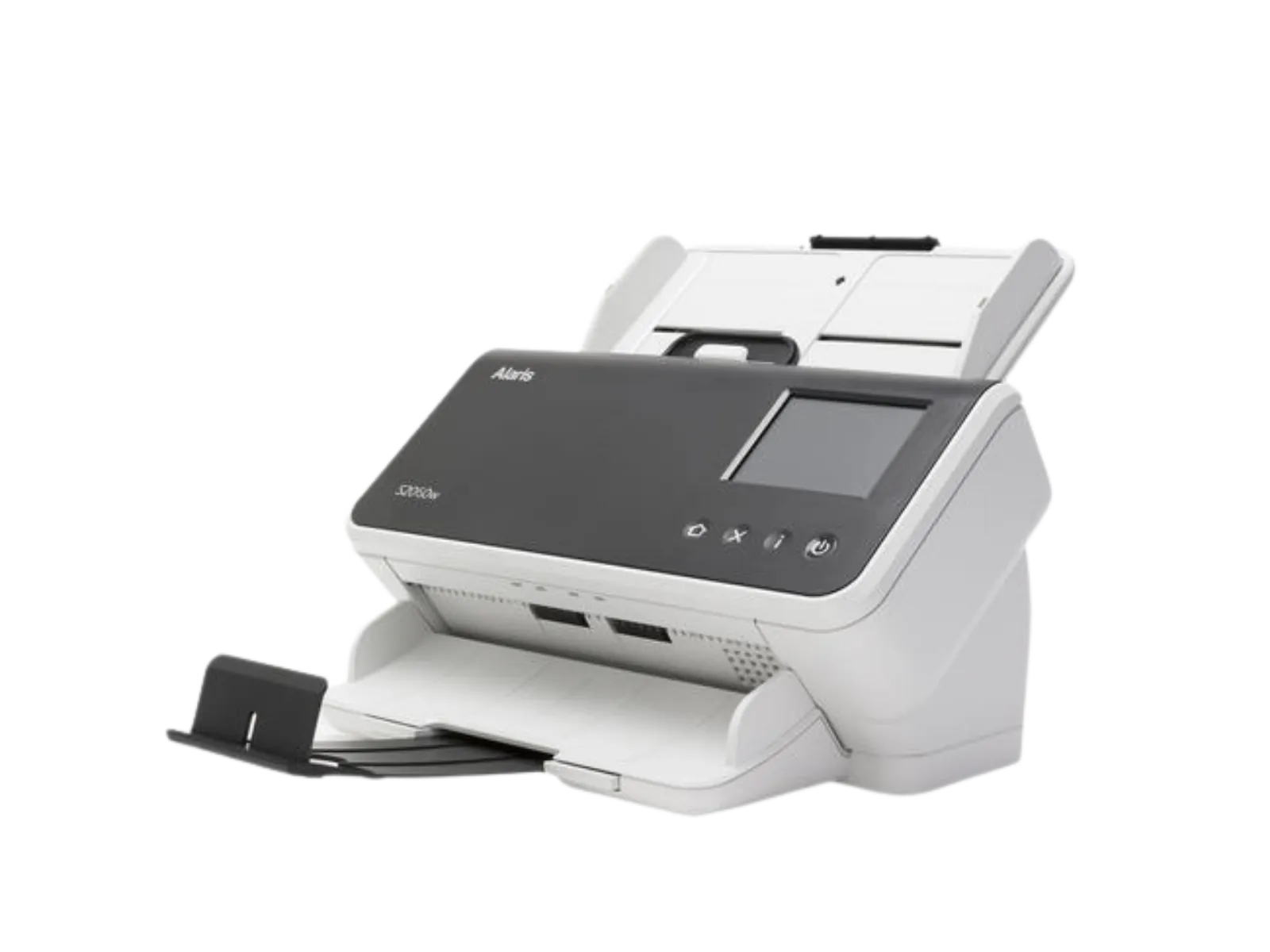
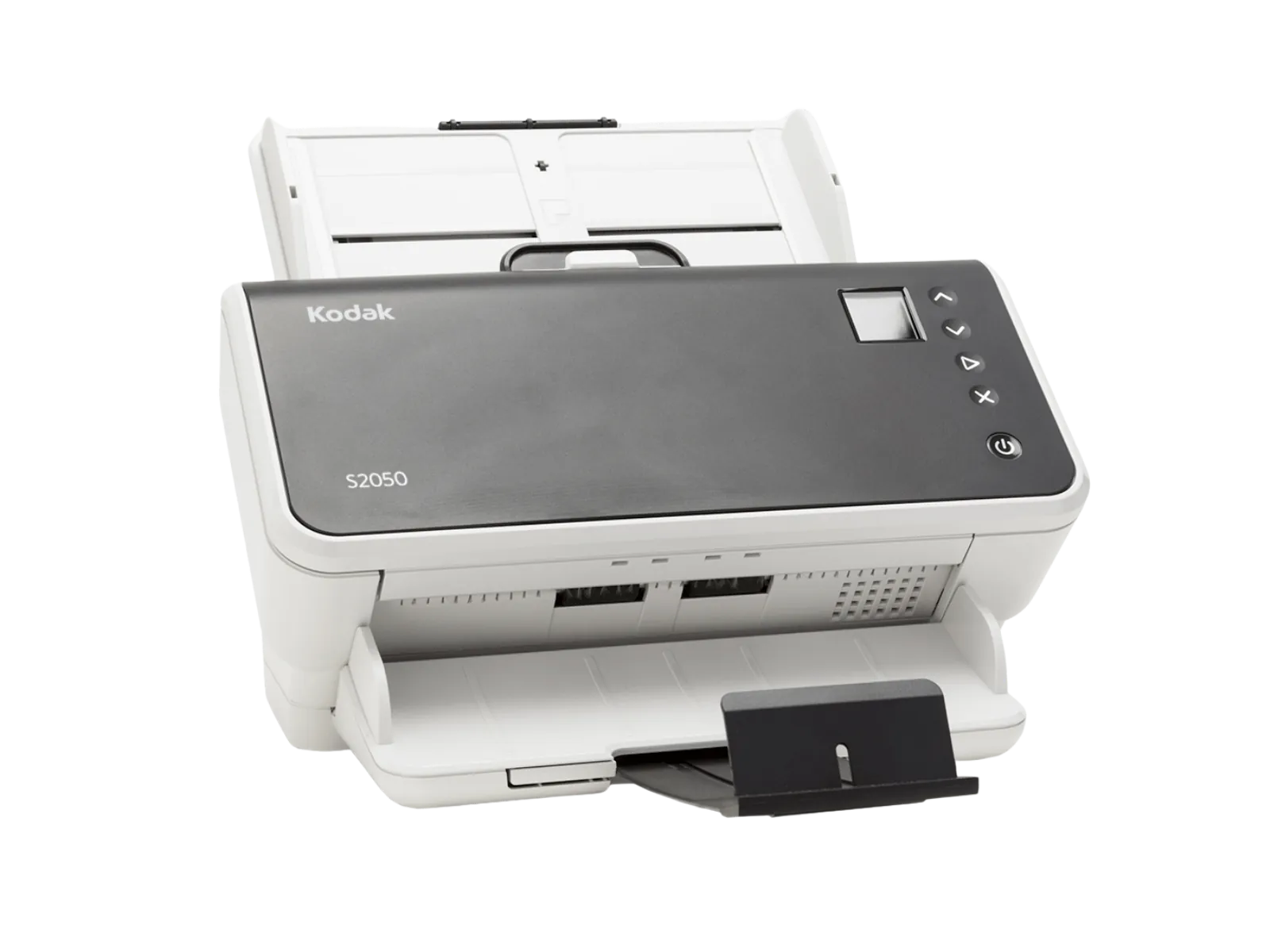
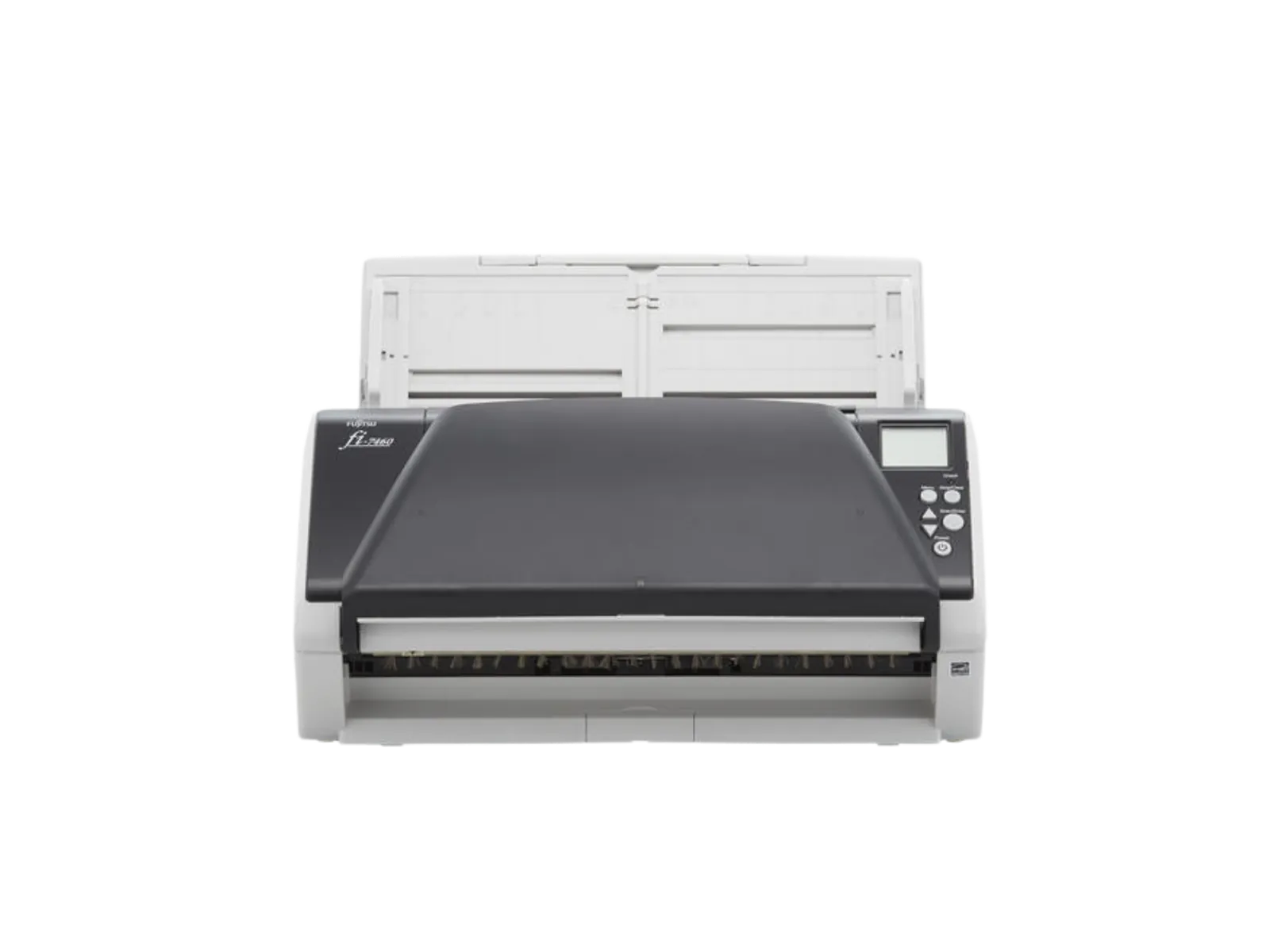
Office scanners are designed for regular, day-to-day document capture across workstations, teams, and shared office environments.
They are designed to:
- Digitize invoices, contracts, forms, and correspondence
- Create searchable files with OCR
- Standardize document capture across teams and locations
- Prepare documents for storage, workflows, and data extraction
- Reduce manual handling and administrative effort
They are a practical choice when documents need to be captured reliably, but volumes do not require a centralized production-scanning environment.
Where are they used
Office scanners support decentralized document capture wherever paper documents enter the business.
Typical use cases included:
- Individual workstations and home offices
- Shared office spaces
- Finance teams processing invoices
- HR teams digitizing employee records
- Administrative and back-office departments
- Front-office and customer-facing environments
The right solution depends on the number of users, document types, daily volumes, and the systems that need to receive the scanned information.
Key capabilities
Office scanners provide the usability and flexibility needed for consistent everyday document capture.
Key capabilities include:
- Compact designs for desks, shared spaces, and home offices
- Automatic document feeders for multi-page documents
- OCR to create searchable digital files
- Image enhancement for clear, readable results
- Support for a range of document types and sizes
- Connectivity options for shared access and workflow integration
Together, these capabilities help teams capture documents efficiently and make information available sooner.
How they work
Office scanners operate as part of a document-capture workflow. Documents are scanned at the point of entry, then prepared for storage, processing, or distribution.
The device itself is responsible for:
- Feeding and capturing documents
- Improving image quality and readability
- Creating digital files for further processing
- Sending documents to defined folders, systems, or workflows
They can be combined with:
- Capture software for processing, indexing, and routing
- Intelligent Document Processing for classification, automation, and data extraction
Office scanner vendors
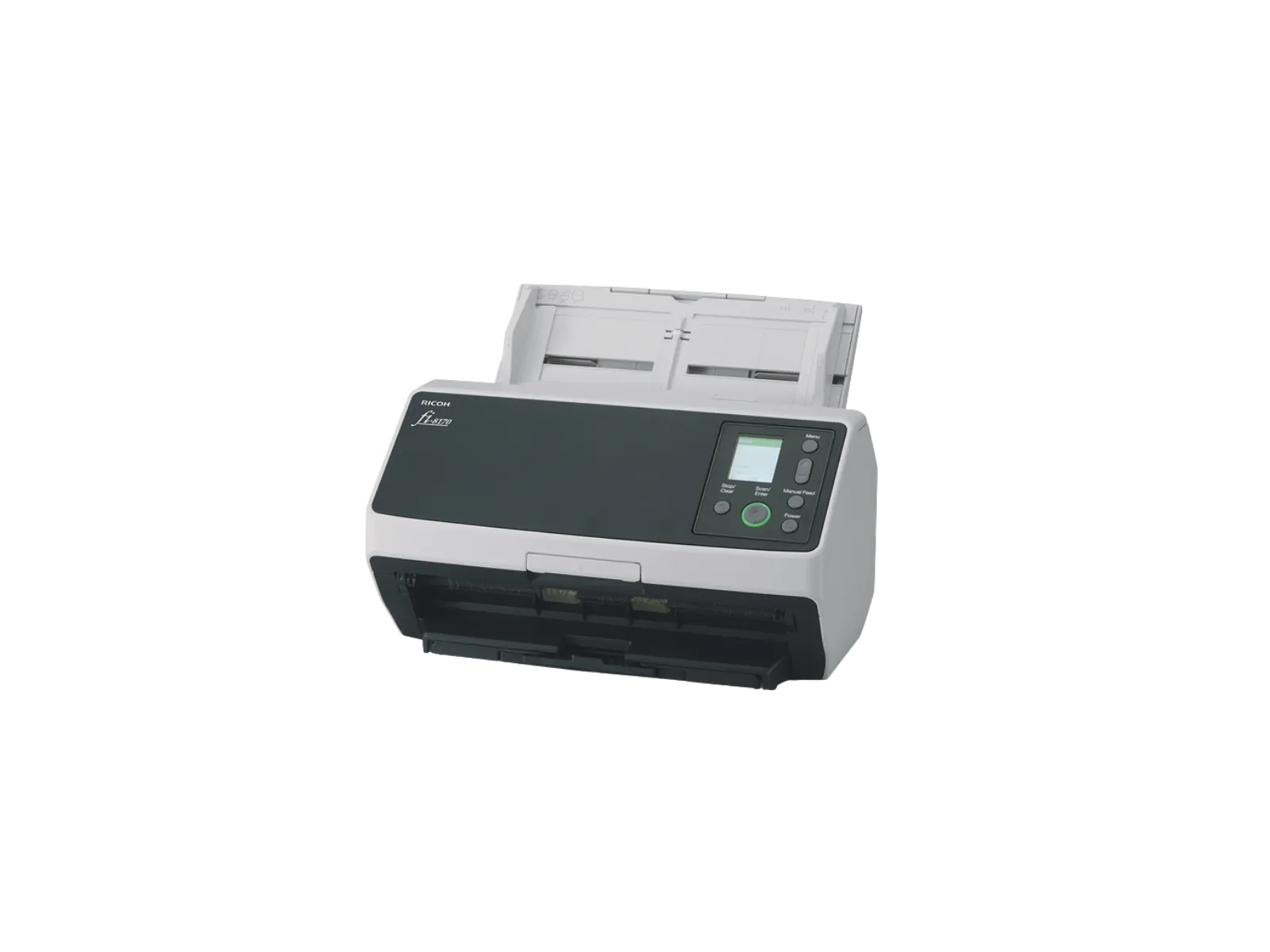
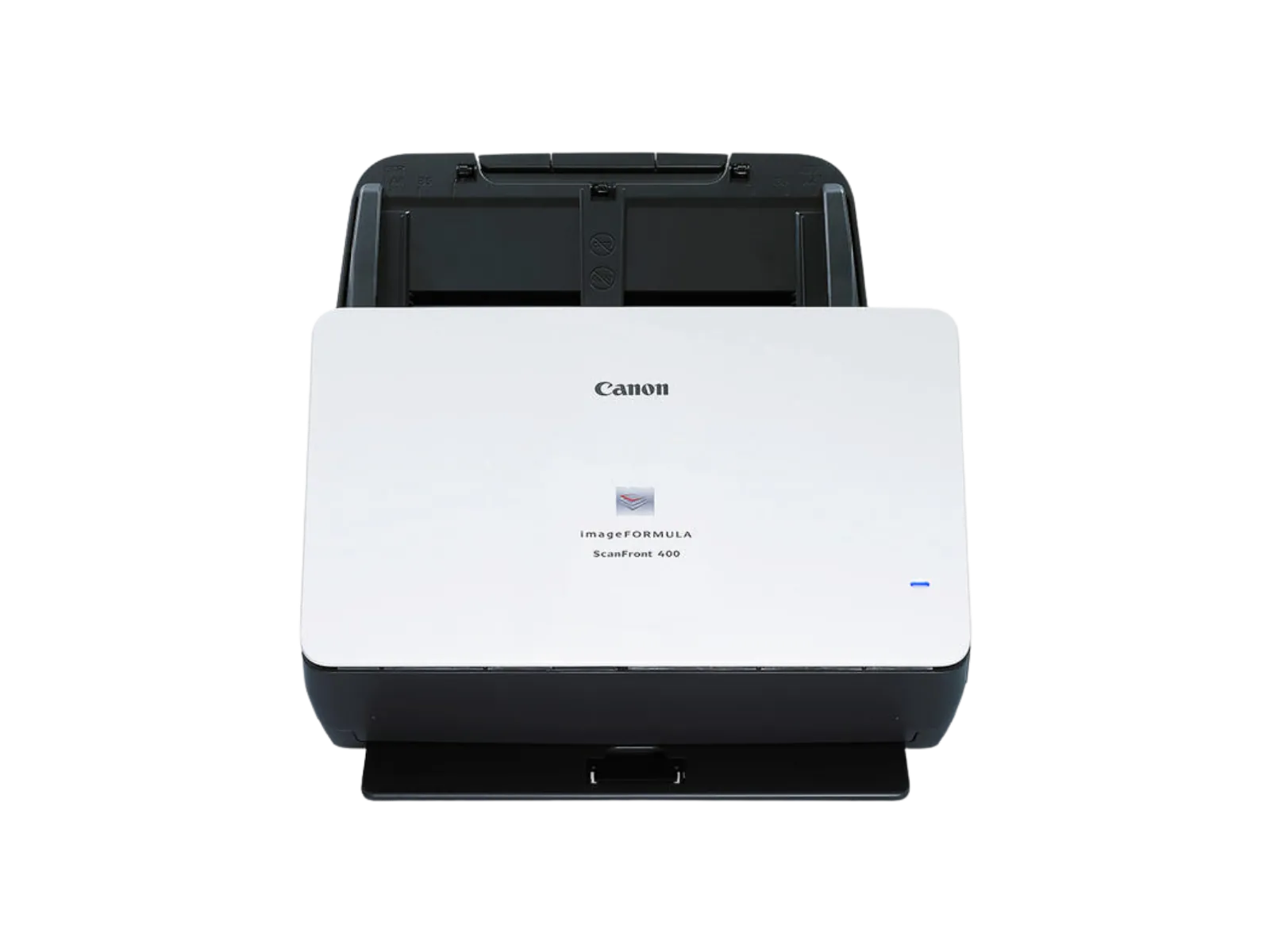
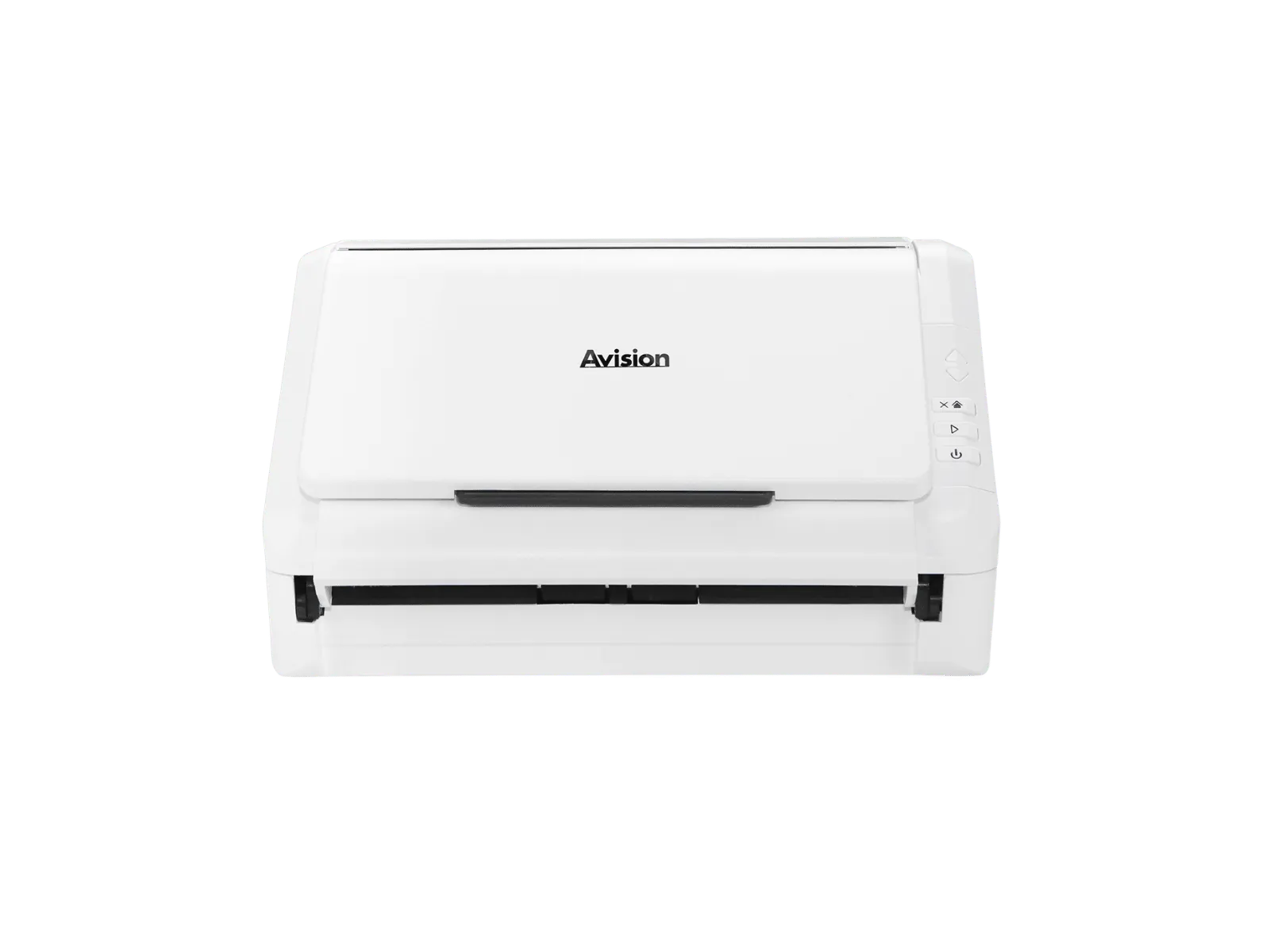
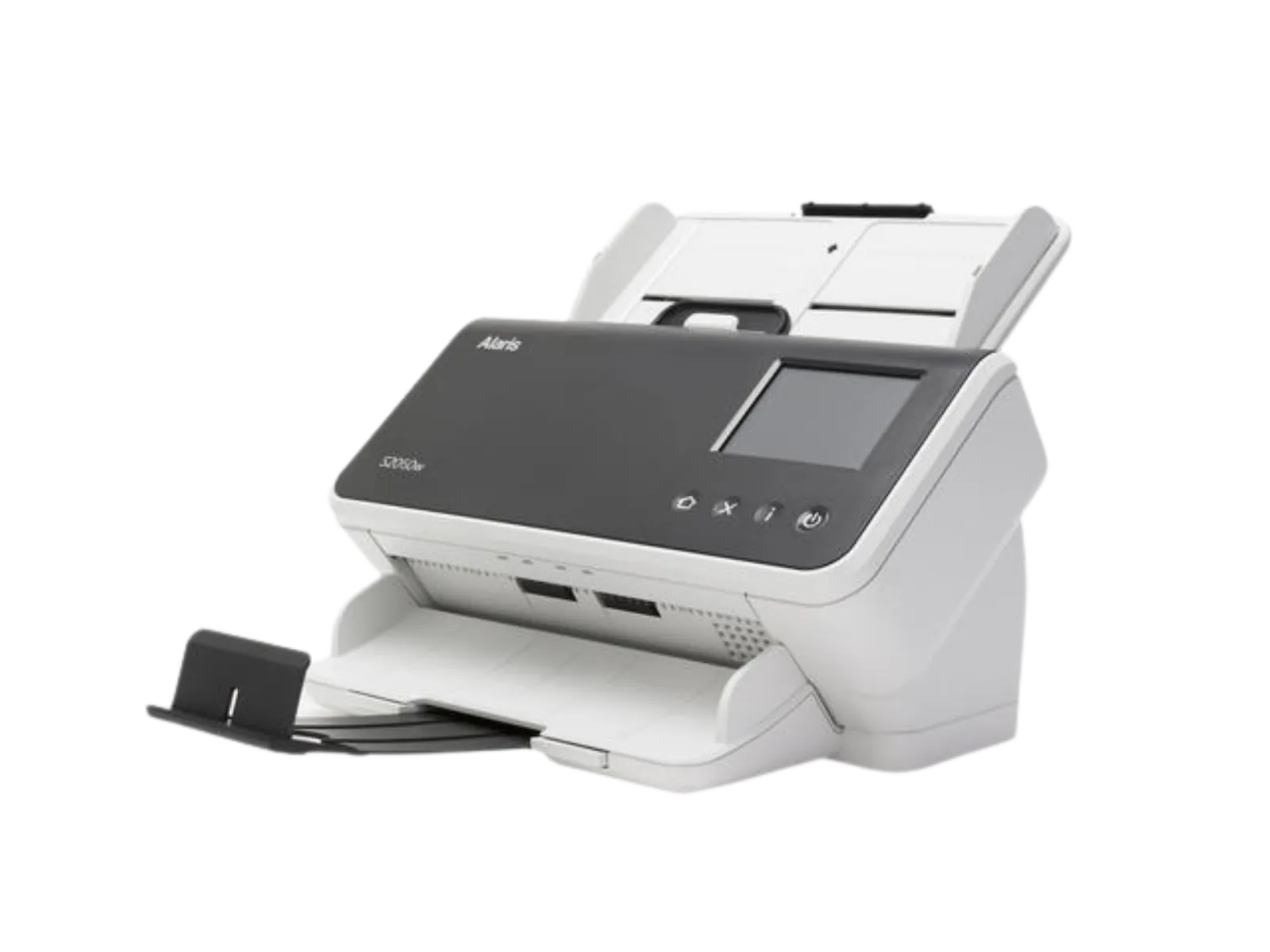
Dyanix works with selected manufacturers that provide office scanning solutions for different users, environments, and workflow requirements:
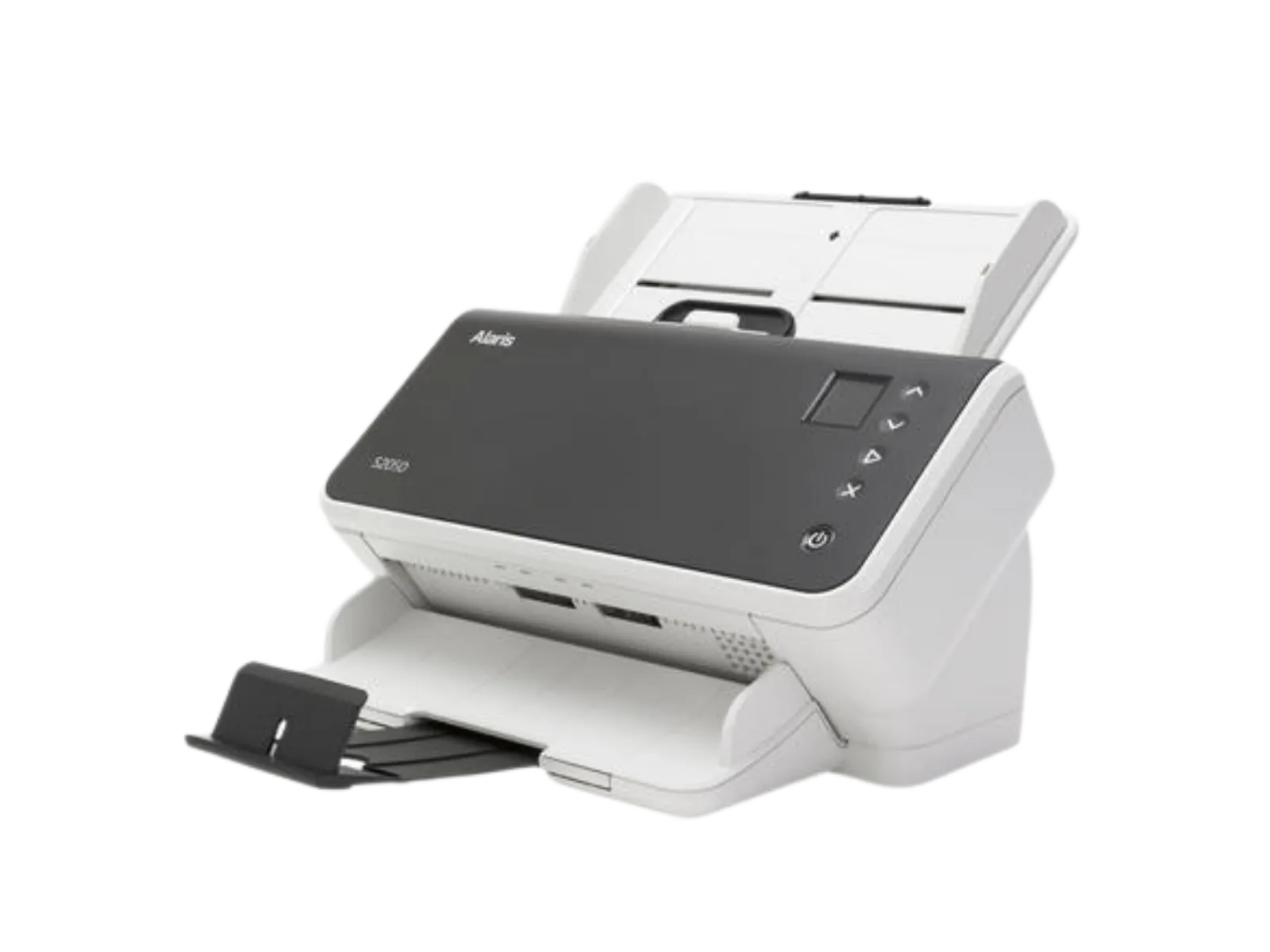
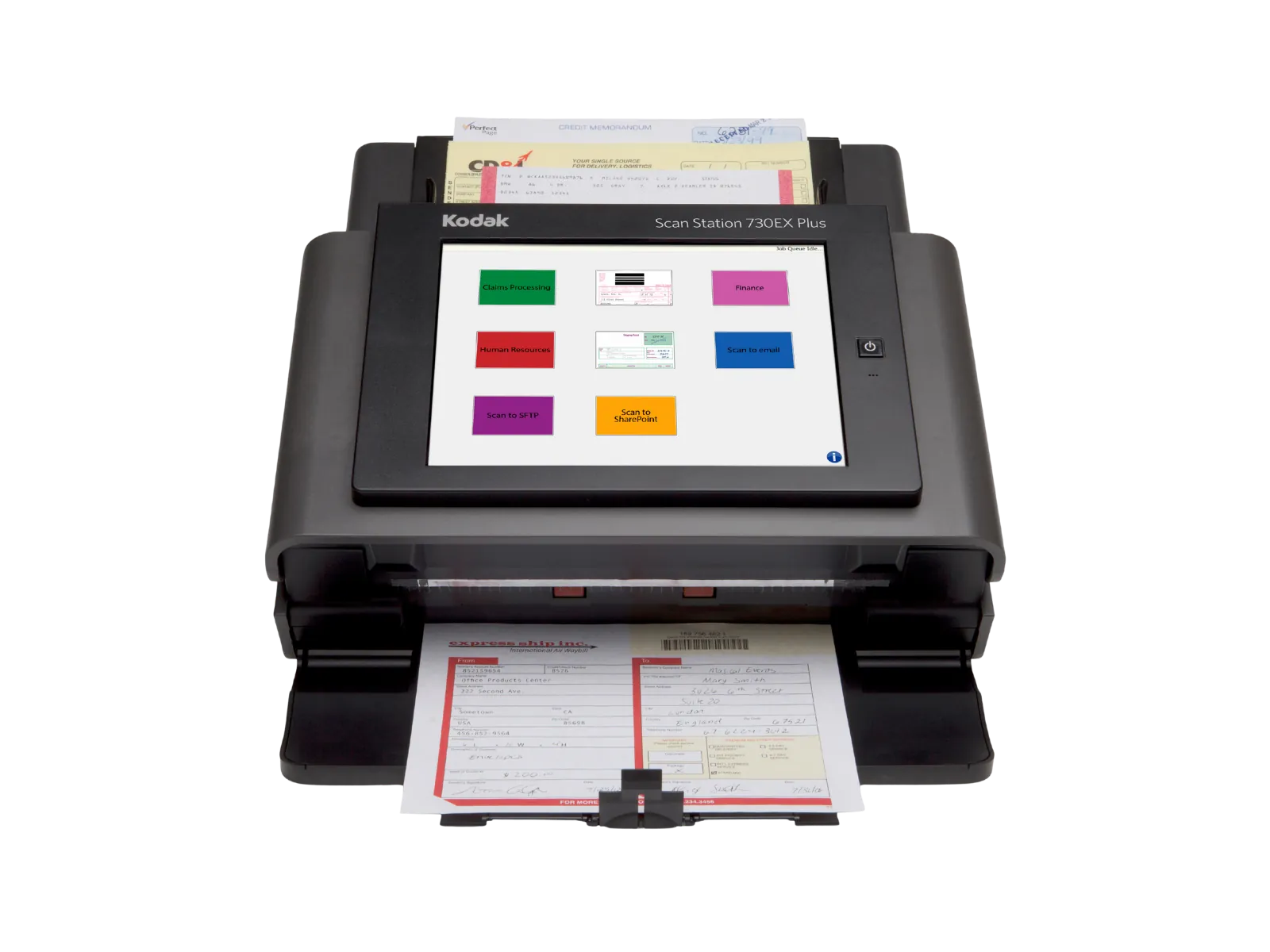
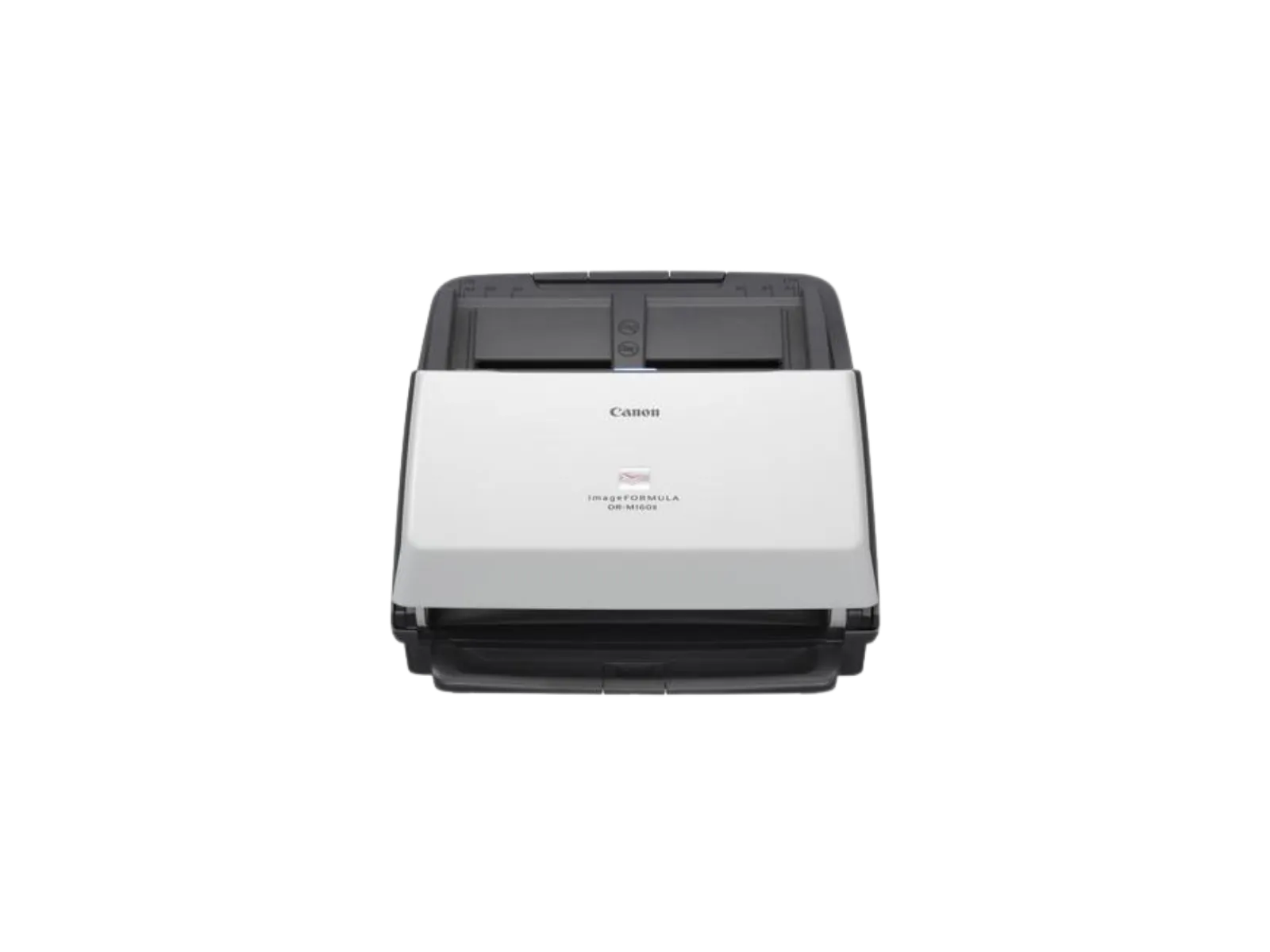
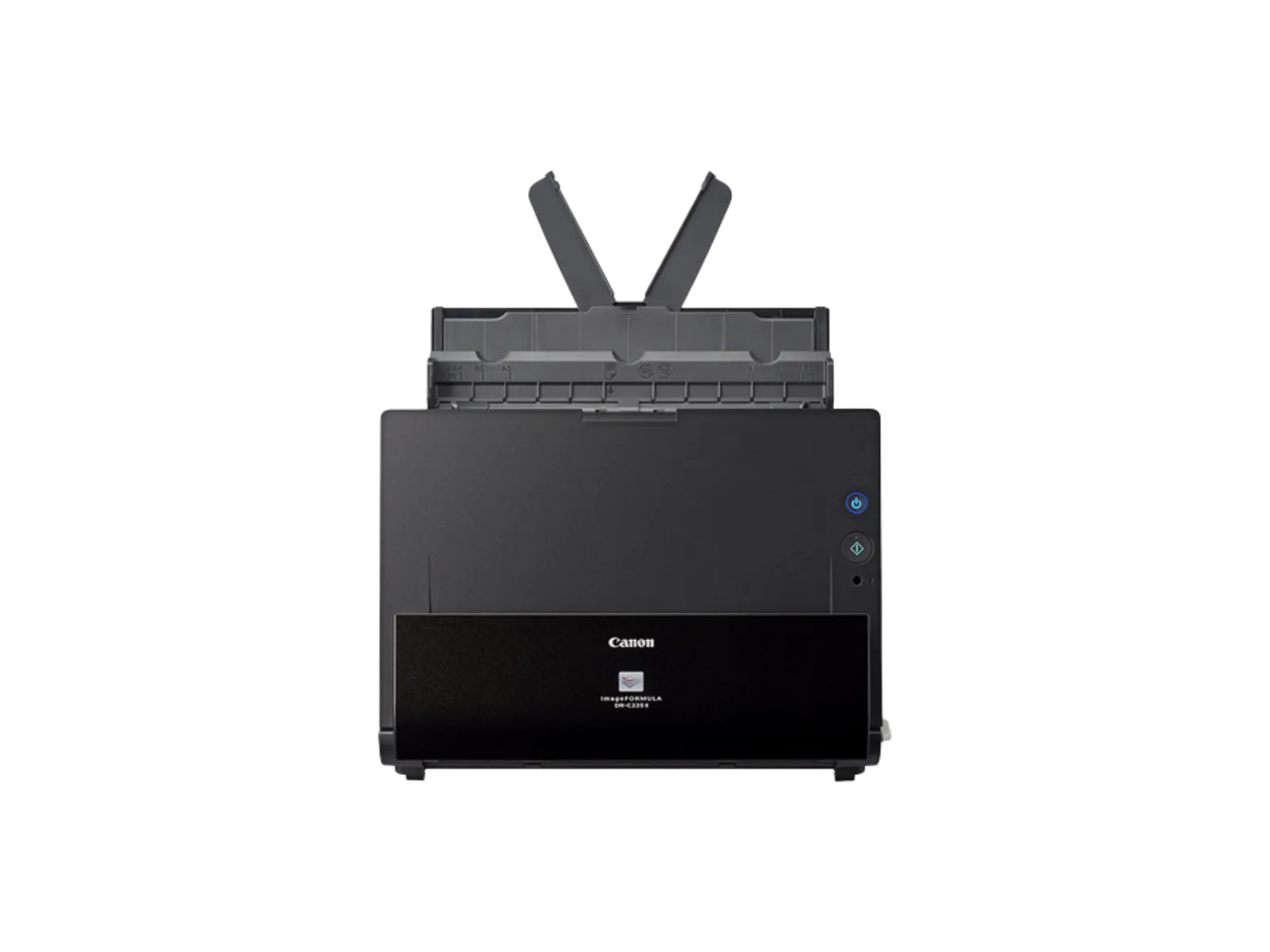
- Canon
- Kodak Alaris
- Ricoh
- Avision
Each vendor offers different strengths in usability, connectivity, performance, and workflow integration. Dyanix helps you select the solution that best fits your requirements.
How this fits within your workflow
Office scanners are one component of a broader document-processing environment.
They connect to:
- Document digitization and capture solutions
- Capture software
- Intelligent Document Processing solutions
- Information-management and document-management systems
This ensures that captured documents can be searched, routed, manageed, and integrated into your business processes.
Implemented and supported by Dyanix
The right scanner is only part of the solution. For reliable document capture, the setup must reflect the way documents move through your organization.
Dyanix supports:
- Hardware selection based on users, volumes, and document types
- Installation and configuration
- Capture and OCR software setup
- Integration with business and document-management systems
- User training
- Ongoing maintenance and support
Choosing the right office scanner depends on where documents enter your organization, how they need to be processed, and how they fit into your wider workflows.
related products
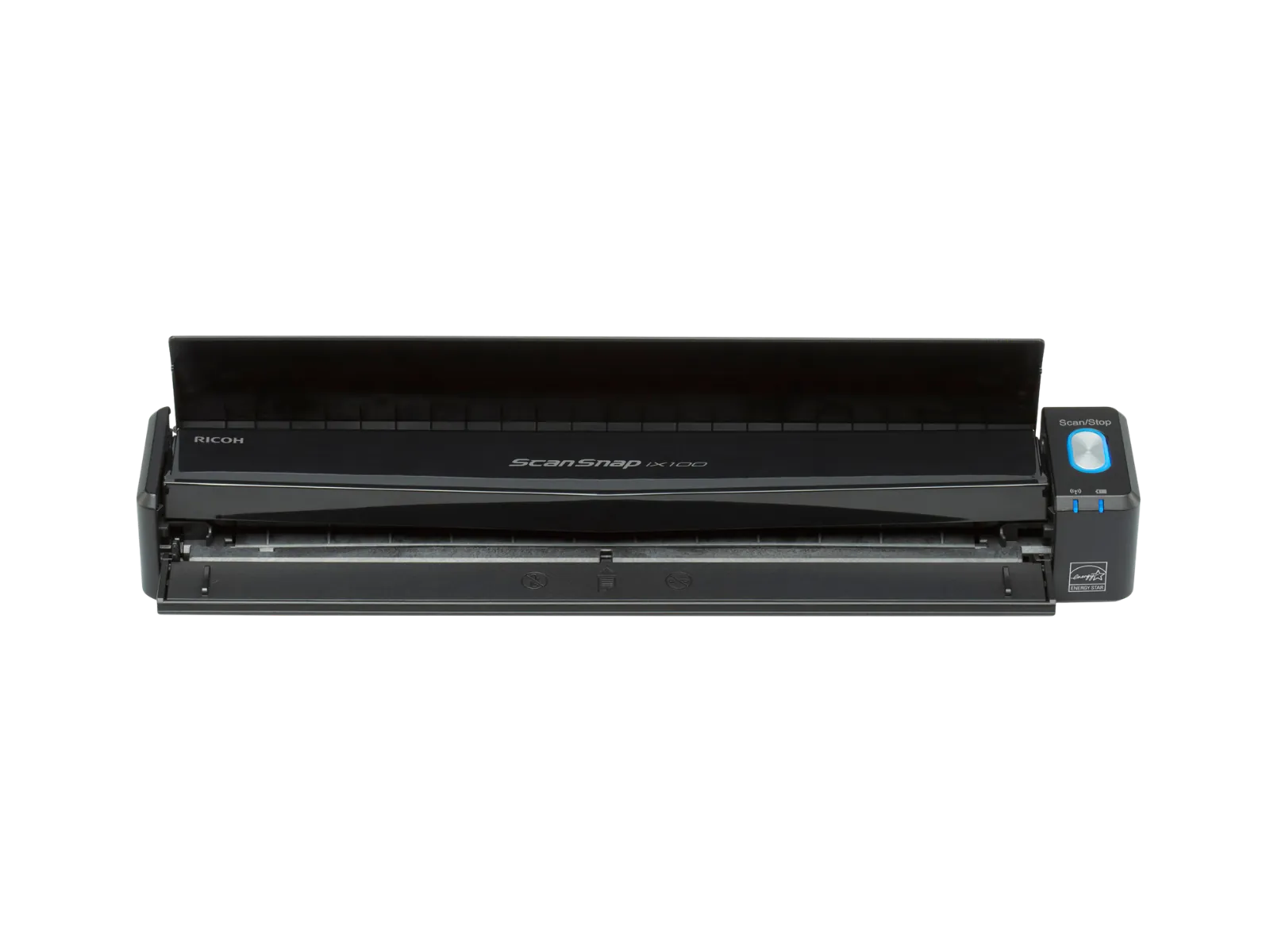
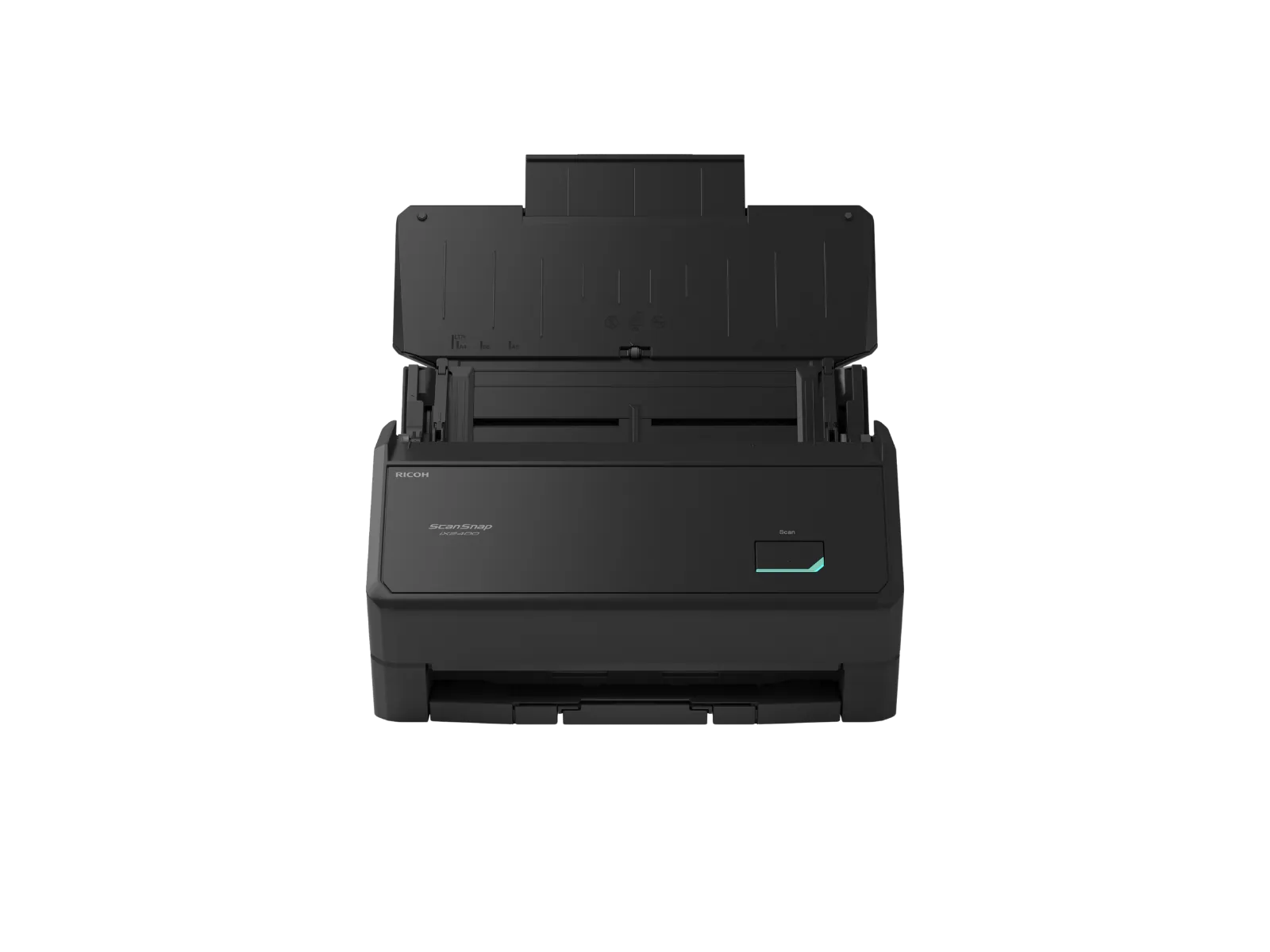
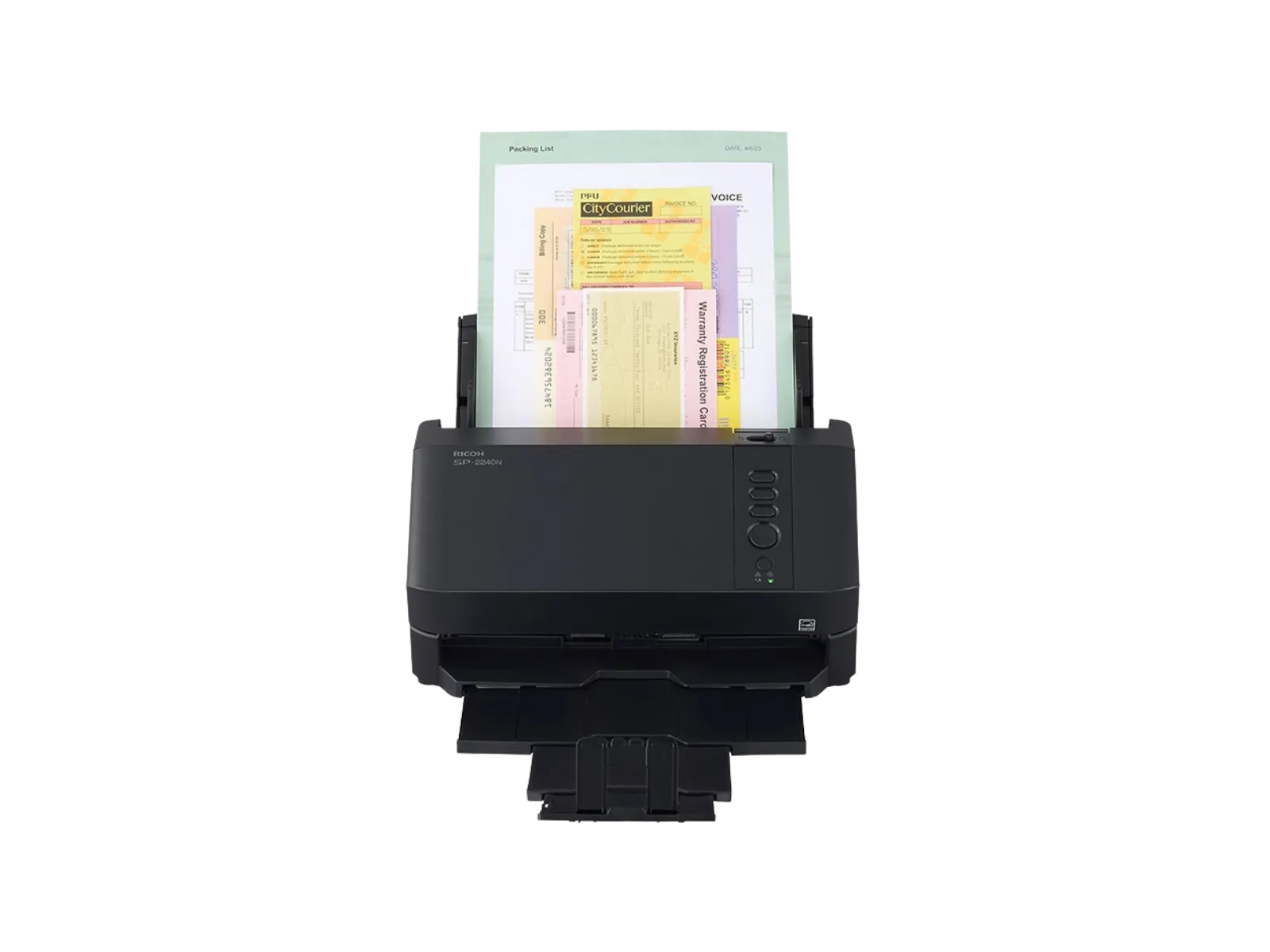
Products that fit in this category





Find the right technology for your workflow
Get practical guidance on the products, configuration, and support that fit your needs.