Is Your Scanner Ready for Your Next IT Update?
Keep invoices and everyday document workflows moving. Review your scanner’s software and support before a problem forces a rushed decision.
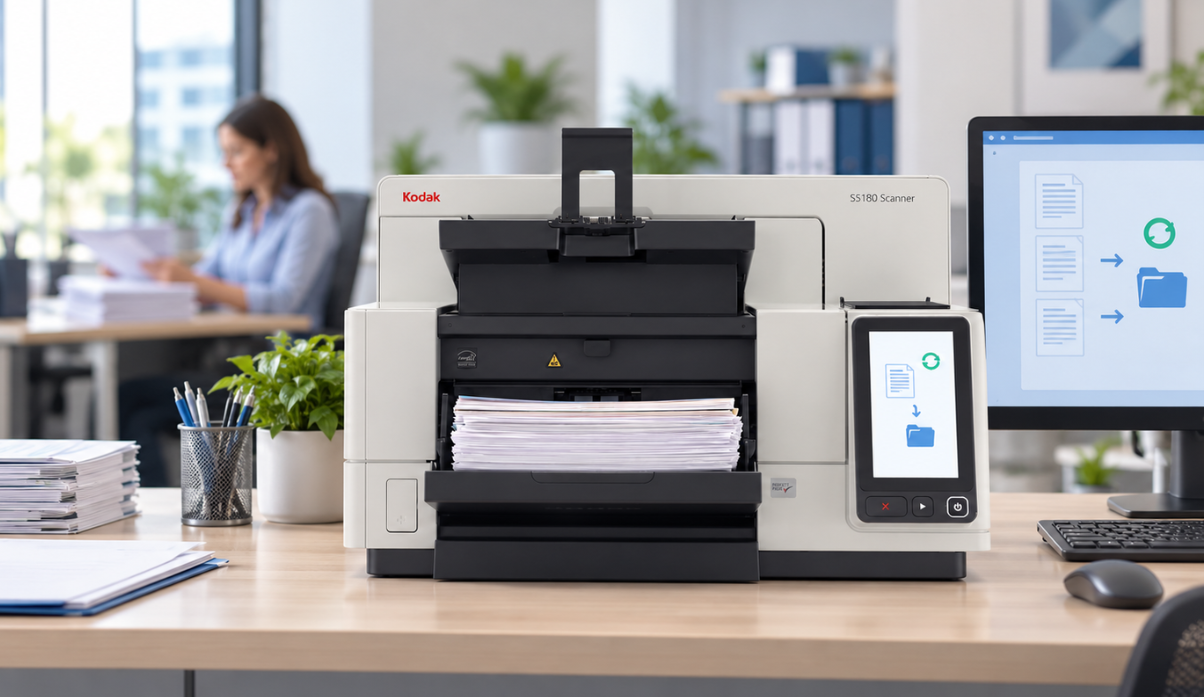
If an IT update interrupts scanning, invoice approvals can stall, customer records can take longer to process, and employees may need to handle documents manually. Even a short interruption can create a backlog.
An older scanner can still meet your needs. Reviewing your scanner, installed software, and any service agreement helps you identify necessary updates, understand the support available, and decide whether replacement makes sense for your business.
Why Support Matters for Everyday Scanning
Your scanner relies on more than its hardware. The connected computer, scanner driver, capture software, and firmware (the software inside the scanner) work together to process your documents.
Before updating Windows or your scanning application, ask your IT team or service provider to confirm compatibility and support for the planned setup. If a component is no longer maintained, a fix might be unavailable when a security issue or compatibility problem appears.
Checking this before an update gives your IT team time to test the workflow and schedule any changes to limit disruption.
What to Check as Your Scanner Gets Older
Hardware sales, software updates, and repair coverage can end at different times. Software may still be available for a discontinued model, but that does not guarantee future updates or fixes. Check the software support and repair coverage available for your model and scanning setup.
Maintenance matters even when equipment appears to work normally. Reviewing the manufacturer’s release notes can help you understand what an update addresses and whether it applies to your setup. This is why it’s worth checking software updates even when the scanner is working normally.
When to Review Your Setup
Ask your IT team or service provider to check support before replacing a workstation or updating its operating system or scanning software, especially if:
- Nobody has a current record of the scanner driver, firmware, or capture-software versions.
- Scanning depends on keeping a computer on an older operating system or software version.
- Updates require workarounds or interrupt scanning.
- It is unclear who provides technical assistance or repairs.
The review can confirm that your current setup remains suitable or identify a need for updates, further investigation, or replacement.
How Dyanix TechRefresh Helps You Plan Your Next Step
If your review points to replacement, TechRefresh can help you explore your options.
The campaign focuses on selected Kodak scanners and replacement options for Fujitsu or Panasonic equipment. Check the models listed on the TechRefresh campaign page, or discuss your model with Dyanix to confirm whether a campaign offer applies.
Start with a 15-minute consultation about your current equipment and what your team needs. Share your scanner model if you have it, along with any service history, recurring problems, or planned IT changes.
During the conversation, a Dyanix specialist can help you:
- Discuss your current equipment.
Talk through the equipment’s age, service history, performance, and any support concerns.
- Explore replacement options.
Consider your document types, scanning volumes, software, and the people using the equipment.
- Discuss the transition.
Discuss installation, configuration, available service support, and the timing of a replacement.
Bring any software or compatibility questions from your IT team into the discussion.
TechRefresh 2026 runs until 18 December 2026. Dyanix will confirm suitable replacement options, equipment availability, and applicable offers in your region. View campaign details and terms.
Discuss Your Scanner Replacement Options with Dyanix
Tell us which scanner you use, how many documents your team processes, and what needs to improve.
Ready to digitize your documents?
Our experts are here to help you choose the right scanner and services that fit your business needs.